Articles
Articles on WCAG and Digital Accessibility
Practical explanations of WCAG 2.2, the European Accessibility Act, colour contrast, alt text, keyboard accessibility and the accessibility statement, with checklists and step-by-step plans you can start on right away.
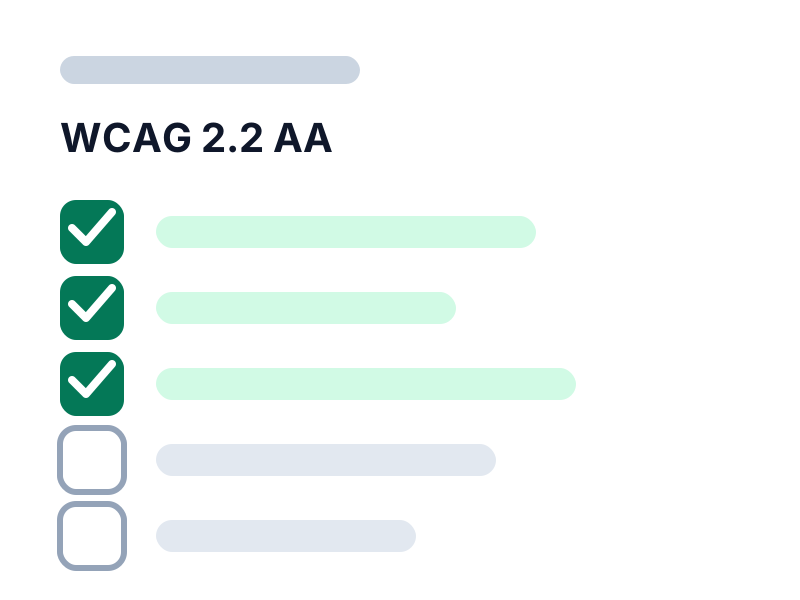
WCAG 2.2 AA Checklist: What Should You Check on Your Website?
A practical WCAG 2.2 AA checklist per category, with explanations and tips to improve right away. Useful for owners, editors and developers.
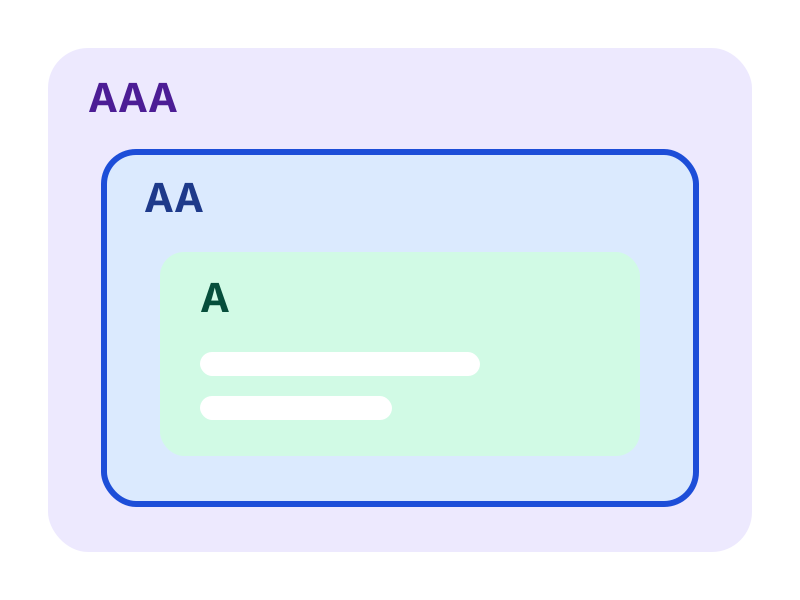
WCAG 2.2 Explained: the Accessibility Guidelines for Websites
What is WCAG 2.2? Read what levels A, AA and AAA mean, which requirements are central and why accessibility matters for your website.
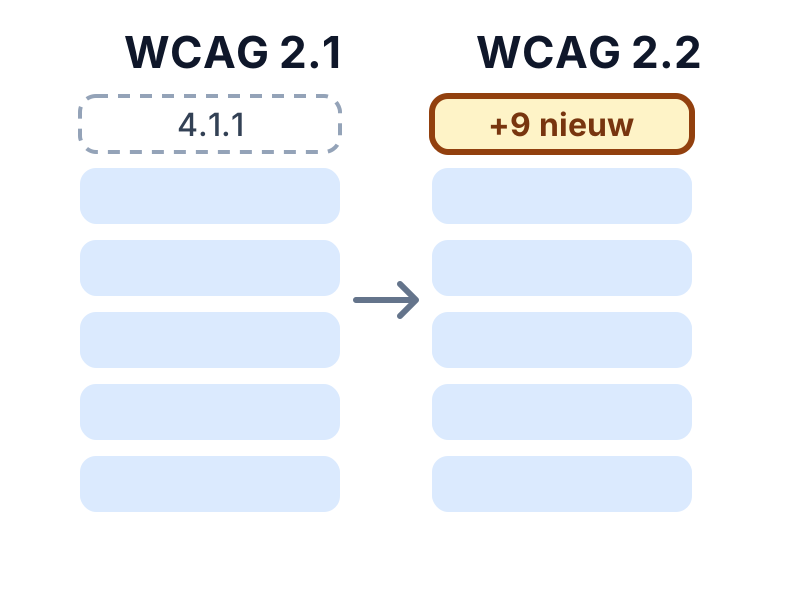
WCAG 2.1 versus 2.2: What Is New and What Should You Change?
What changes from WCAG 2.1 to 2.2? View the nine new success criteria, the removed criterion 4.1.1 and what website owners need to change.
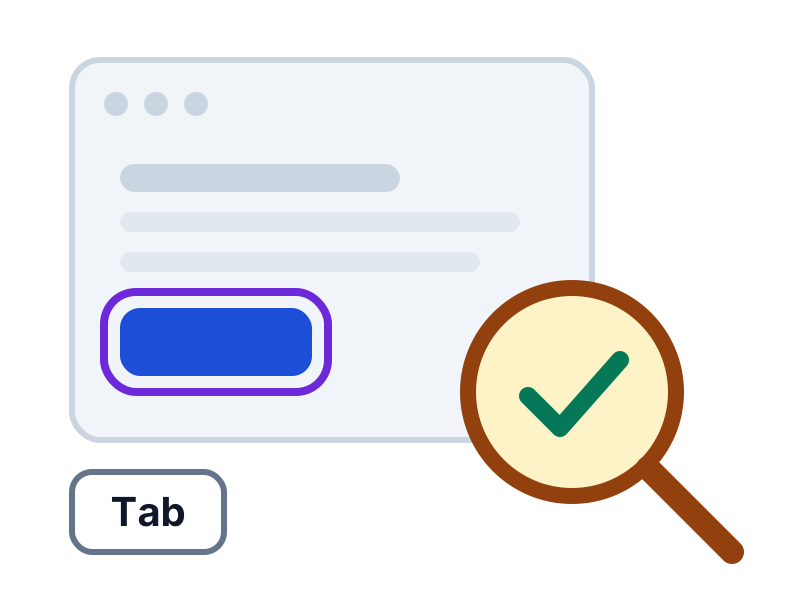
Testing Website Accessibility: a Step-by-Step Approach
How to test your website's accessibility: step by step with an automatic scan, keyboard test, screen reader and the most common problems.
European Accessibility Act: What Does It Mean for Your Website or Web Shop?
What does the European Accessibility Act mean for your website or web shop? Read who falls under it, since when it applies and what to do now.
The Dutch Accessibility Law for Web Shops: What Do You Need to Arrange?
Does your web shop fall under the Dutch accessibility law? Read which requirements apply since 28 June 2025, which parts matter and how to improve step by step.
Accessibility Statement: What Goes In It and How to Write One
What is an accessibility statement, who needs one and what goes in it? Read how to write one step by step and keep it up to date.
WCAG Colour Contrast: Requirements, Exceptions and a Contrast Checker
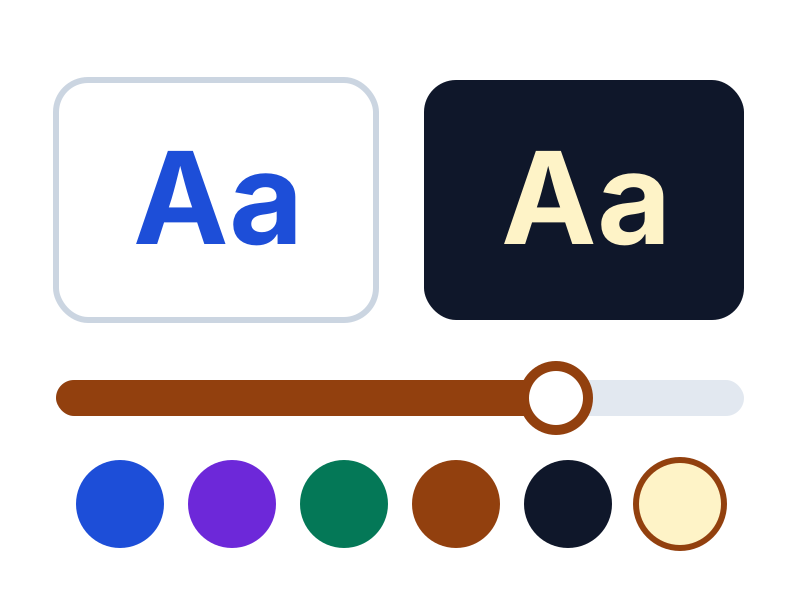
What colour contrast does WCAG 2.2 require? Read the requirements for text, buttons and icons, and test your colours right away with the free contrast checker.
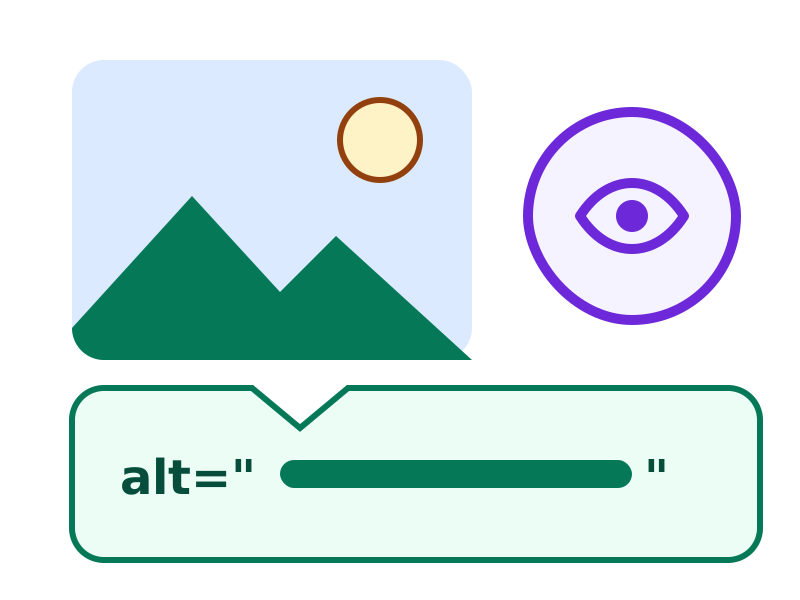
Writing Alt Text: How to Make Images Accessible
How do you write good alt text? Read when an image needs it, with examples for product photos, buttons, logos and charts.
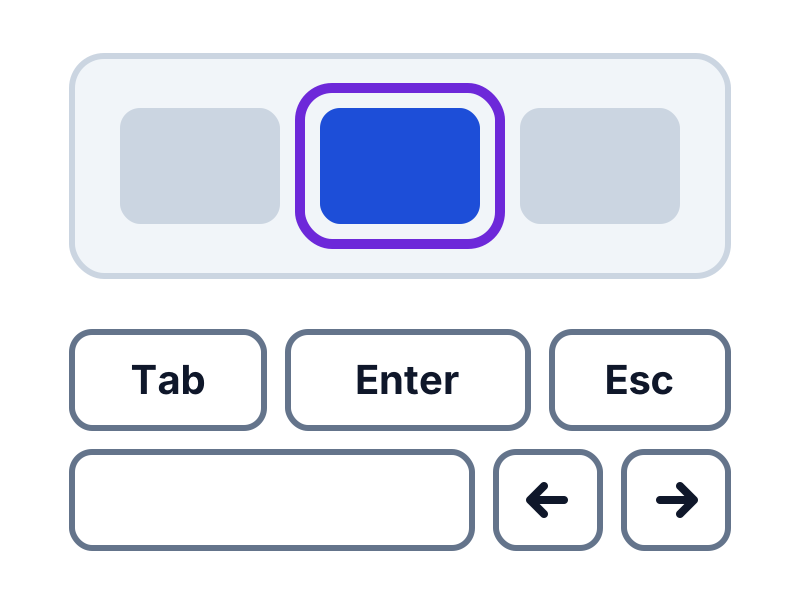
Keyboard Accessibility: Make Your Website Work Without a Mouse
Does your website work without a mouse? Read which WCAG requirements apply to keyboard operation and focus, how to test yourself and how to fix common problems.
Automatic tests and AI content analysis
AccessRadar combines automatic tests with AI content analysis. You see not only technical errors, but also which texts truly help your visitors.
The AI analysis reads the text of your pages and gives suggestions, for example for:
- Alternative text: does the text say something meaningful, or is it 'image', a file name or 'click here'?
- Link text: do the link text and the text around it make clear where a link leads?
- Headings and labels: do they describe the topic or the field, or are they empty words such as 'Info' or 'Field 1'?
- Page titles and forms: is it clear what a page is about and what a field expects?
You get concrete suggestions for better texts, which you pick up directly in your weekly improvement plan. This way your website moves closer to WCAG 2.2 AA suitability every week and reaches more customers.
Read how tests and AI analysis work together in the improvement plan
Check your website for WCAG for free
Request the free WCAG check from AccessRadar and receive the results of an automatic scan by email, as a starting point for your improvements.
Want to keep going every week afterwards? The WCAG improvement plan adds weekly scans and AI content analysis.
A WCAG scan supports your assessment. An automated WCAG scan cannot establish full WCAG 2.2 AA compliance. Combine regular WCAG scans with manual evaluation and feedback from people with disabilities.